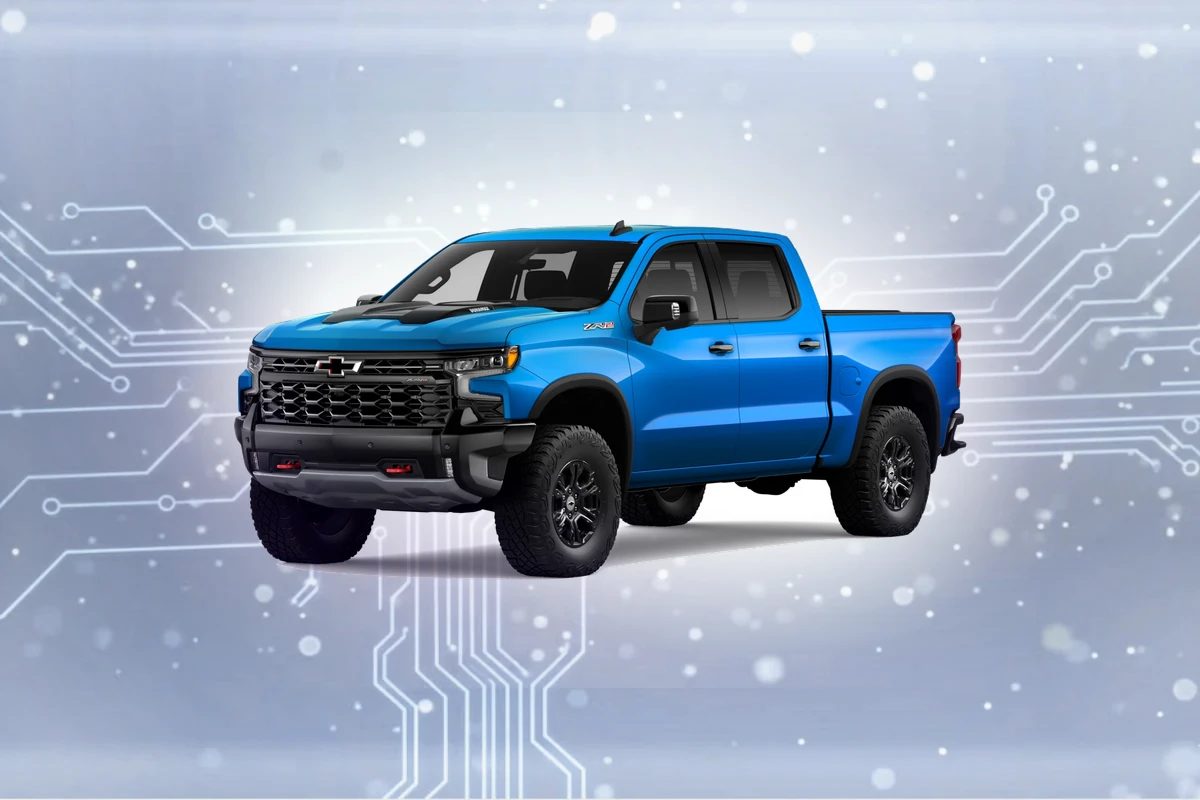
Compatible navigation SD cards for Chevrolet Models (2014-2023)
Top Pick
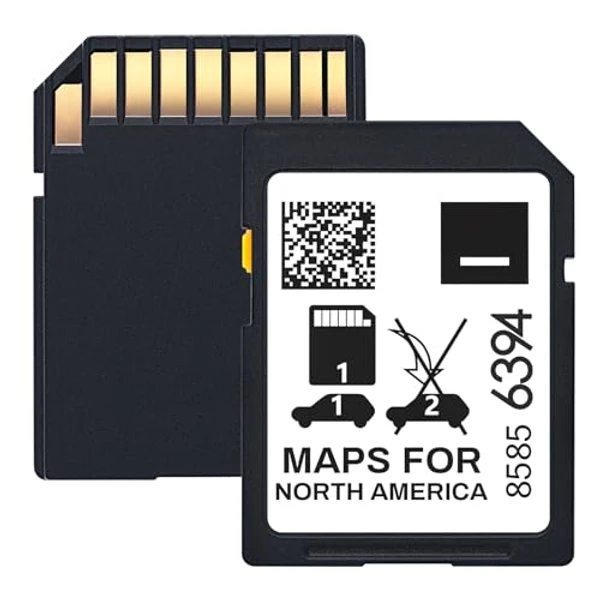
ORIRI·X 2025 Navigation SD Card for GM (Part 85856394)
2025 maps. Fits Chevrolet, Cadillac, Buick, GMC. Plug and play. Chevrolet Models owners get 2025 maps covering USA, Canada, Mexico.
Chevrolet Models Navigation SD Card Requirements
-
Compatible Years: 2014-2023
-
Part Number: Two main part numbers: 85713512 (MyLink IO5/IO6 systems) and 85856394 (newer MyLink IO8 systems). Always verify the exact number on your existing card.
-
Trim Compatibility: Verify exact part number on your existing card is crucial for Chevrolet models. Different MyLink versions (IO5, IO6, IO8) have specific card requirements. Ensure your vehicle has the factory navigation option.
Navigation SD Cards for Chevrolet Models
This website contains affiliate links. We may earn a small commission when you purchase through our links at no extra cost to you.
| SD Card | Map Year | Coverage | Pros | Price |
|---|---|---|---|---|
ORIRI·X 2025 Navigation SD Card for GM (Part 85856394)
|
2025 | USA, Canada, Mexico |
|
$
Check Price
Alt Listing |
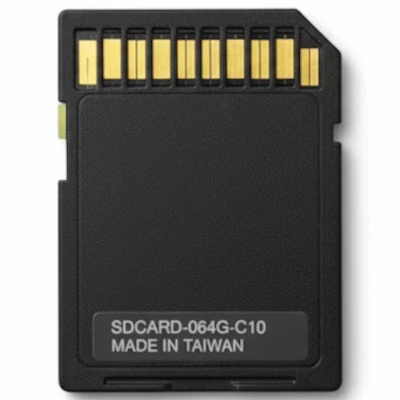
Premium 2025 GM Navigation SD Card (Part 85713512, 10yr Warranty)
|
2025 | USA, Canada, Mexico |
|
$$
Check Price
Alt Listing |
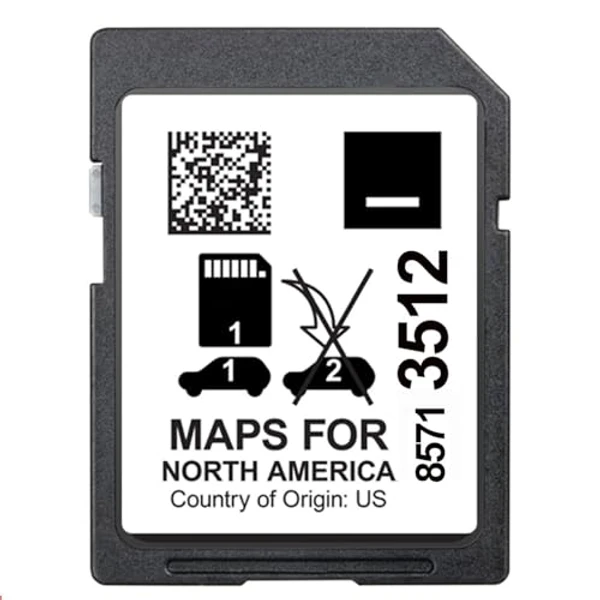
2024 GPS Navigation SD Card for GM (Part 85713512)
|
2024 | USA, Canada, Mexico |
|
$ Check Price |
Installation Guide for Your Chevrolet Models
1. Turn off vehicle and remove key. 2. Locate SD slot (typically inside the center console storage, glove box, or occasionally behind a panel on the infotainment screen). 3. Press existing card to eject. 4. Insert new card with contacts facing down until it clicks. 5. Start vehicle - the MyLink system will auto-detect and begin loading new maps in 1-2 minutes.
Important: Chevrolet Models Compatibility
Verify exact part number on your existing card is crucial for Chevrolet models. Different MyLink versions (IO5, IO6, IO8) have specific card requirements. Ensure your vehicle has the factory navigation option.
Chevrolet Models Features
Common Issues
- Significant part number confusion between older MyLink IO5/IO6 (85713512) and newer IO8 systems (85856394)
- Some 2014-2016 models may require a MyLink software update for full compatibility with the latest map cards
- Silverado, Tahoe, and larger trucks may have slightly longer map initialization times due to extensive geographical data