
Best SD Cards For Zoom H6 Handy Recorder
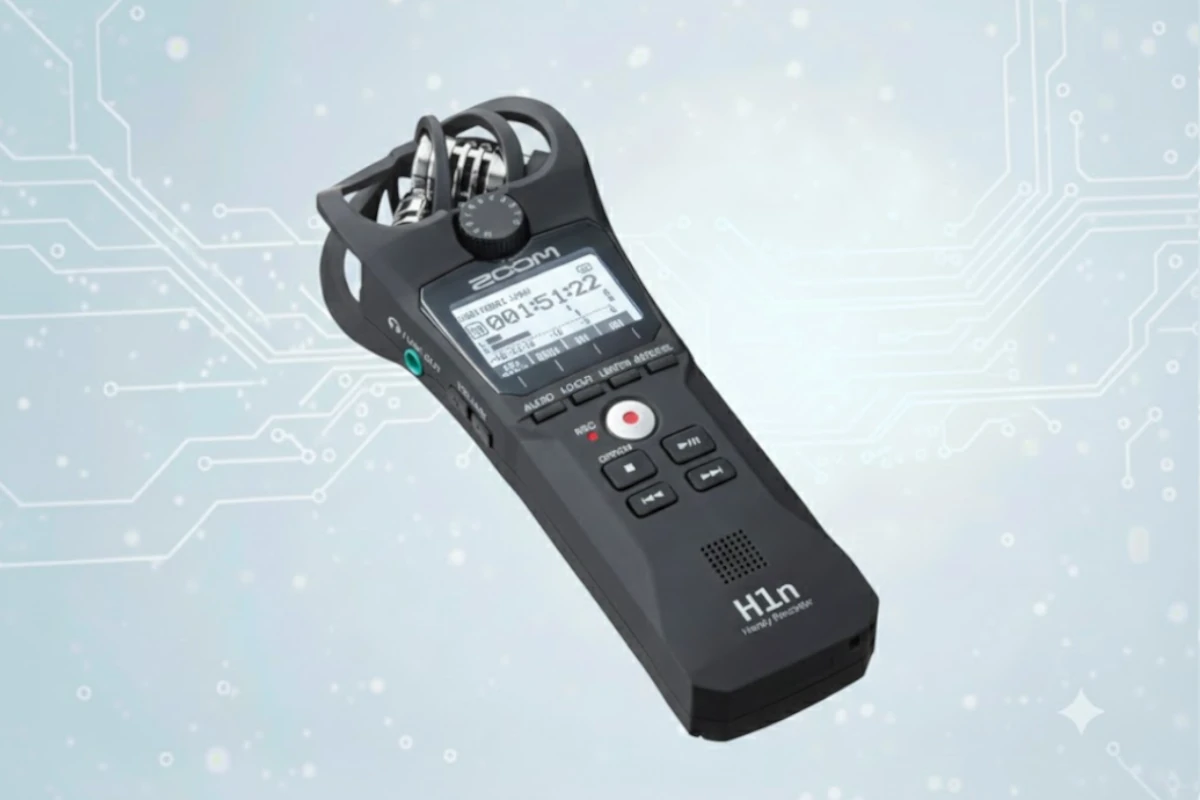
Expert recommendations based on Zoom H4essential specifications
Recommended Spec
microSDHC / microSDXC (U3 / V30 or faster)
The H4essential records up to 6 simultaneous tracks in 32-bit float WAV (plus BWF/iXML support), and 32-bit float files are large even before you add multitrack overhead — there's no clipping to worry about, but file sizes climb fast.
Contains affiliate link
#1 Top Pick for Zoom H4essential
View Top Recommendation
Check Price
Official Zoom H4essential SD Card Requirements
-
Format: microSDHC / microSDXC
-
Minimum Speed: U3 / V30 (30 MB/s write)
-
Maximum Capacity: Up to 1TB (microSDXC)
Why these requirements? The H4essential records up to 6 simultaneous tracks in 32-bit float WAV (plus BWF/iXML support), and 32-bit float files are large even before you add multitrack overhead — there's no clipping to worry about, but file sizes climb fast. Zoom's manual lists microSDHC support from 4GB-32GB and microSDXC support up to 1TB, so the practical ceiling for long multitrack sessions is a 1TB card, not the smaller capacities most recorder pages mention. U3/V30 is enough to keep up with 6-track 32-bit float writes without dropouts.
Detailed Specifications
Type
microSDHC / microSDXC
Min Speed Class
U3 / V30
Write Speed
30 MB/s
Recommended Size
128GB, 256GB, 512GB
Max Capacity
1TB (microSDXC)
Top SD Card Recommendations
This website contains affiliate links. We may earn a small commission when you purchase through our links at no extra cost to you.
| SD Card | Verified | Speed Class | Write Speed | Pros | Price |
|---|---|---|---|---|---|
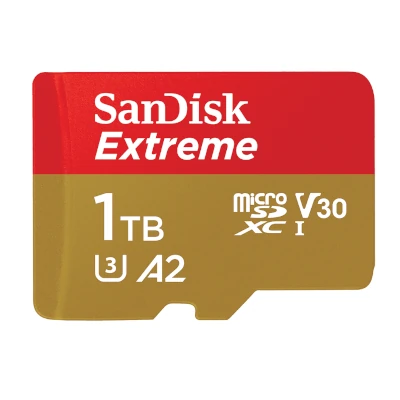
SanDisk Extreme microSD
|
V30 | Up to 130 MB/s |
|
$ Check Price | |
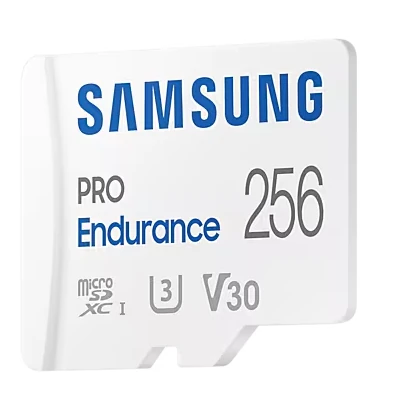
Samsung PRO Plus microSD
|
V30 | Up to 120 MB/s |
|
$ Check Price |
Samsung PRO Plus microSD
The Samsung PRO Plus microSD offers excellent performance for 4K video recording, providing seamless playback and smooth editing. Its A2 App Performance Class ensures fast launching of mobile apps and efficient storage. With its durable design and excellent thermal management, users can rely on this microSD for heavy usage. Suitable for professionals and enthusiasts alike.
Target User:
Content creators, photographers, and videographers
Best For:
Action Cameras, Mirrorless Cameras, DSLR Cameras, Smartphones & Tablets
Choose Samsung PRO Plus over competitors with similar V30 speed class for its superior thermal management and reliable durability.
Featured Products on Amazon
This website contains affiliate links. We may earn a small commission when you purchase through our links at no extra cost to you.

Kingston Canvas Go Plus 128GB microSD Card | Up to 200MB/s | Class 10, UHS-I, U3, V30, A2 | SDCG4/128GB
$Check Price
View on Amazon

Kingston Canvas Go Plus 64GB microSD Card | Up to 200MB/s | Class 10, UHS-I, U3, V30, A2 | SDCG4/64GB
$Check Price
View on Amazon

SANDISK 128GB Extreme microSD UHS-I Card - Up to 245MB/s Read Speed and 120MB/s Write Speed, 5.3K Video, 4K UHD Video, high-Performance for Action cams, Drones, Android Devices - SDSQXH9-128G-GZ6MA
$Check Price
View on Amazon
Frequently Asked Questions
What SD Card Do I Need for Zoom H4essential?
The Zoom H4essential requires a microSDHC / microSDXC card with U3 / V30 speed rating for reliable performance. We recommend 512GB capacity as the sweet spot balancing storage capacity with affordability. The device supports up to 1TB (microSDXC), though most users find 512GB sufficient for daily use. Always choose from trusted brands like SanDisk, Lexar, or Kingston to ensure consistent performance and avoid data loss.
What is the maximum SD card size for the Zoom H4essential?
1TB, using a microSDXC card. The official manual specifies microSDHC support from 4GB to 32GB and microSDXC support up to 1TB — that 1TB ceiling is the number to plan around for long 32-bit float multitrack sessions.
Do I need a fast card for 32-bit float recording on the H4essential?
Yes — use a U3/V30-rated card. Recording up to 6 simultaneous tracks in 32-bit float WAV produces a high sustained data rate. A V30 card keeps pace without dropped frames or write errors during long sessions.
Is V30 required for Zoom H4essential?
Yes, V30 is recommended for Zoom H4essential. It guarantees a minimum sustained write speed of 30 MB/s, which is necessary for stable professional recording without dropped frames or errors.
What storage capacity should I get for Zoom H4essential?
We recommend 128GB or 256GB or 512GB cards. A 128GB card is good for typical use, with 1TB (microSDXC) as the maximum supported capacity. Larger sizes are useful if you shoot frequently and want to minimize card swaps.
Can I use older or slower cards with Zoom H4essential?
Not recommended. Cards slower than U3 / V30 may cause dropped frames, corrupted files, or recording failures. Always use U3 / V30 minimum for reliability.
Should I use more than one card with Zoom H4essential?
For professional use or extended shooting sessions, dual cards provide redundancy and backup. Using multiple cards ensures you won't lose footage if one card fails. This is especially important for valuable recordings.
Does the brand matter for Zoom H4essential?
Yes, trusted brands like SanDisk, Lexar, and Kingston are recommended. Quality brands have better reliability and warranty support. Avoid unknown brands, especially for demanding devices.
What happens if I use the wrong card with Zoom H4essential?
Using cards slower than U3 / V30 can cause: dropped frames during recording, corrupted files, or complete recording failure. Stick to U3 / V30 minimum to avoid data loss.
How long will an SD card last with Zoom H4essential?
Quality SD cards typically last 3-5 years with normal use. Replace your card if you experience read/write errors, corrupted files, or if it's been dropped or exposed to extreme conditions.