
Best SD Cards For Creality Ender 3 V3
広告
本ページはプロモーション(アフィリエイト)を含みます。当サイトは、Amazon.co.jpのアソシエイトとして、適格販売により収入を得ています。
動作確認済み
(メーカー仕様準拠)
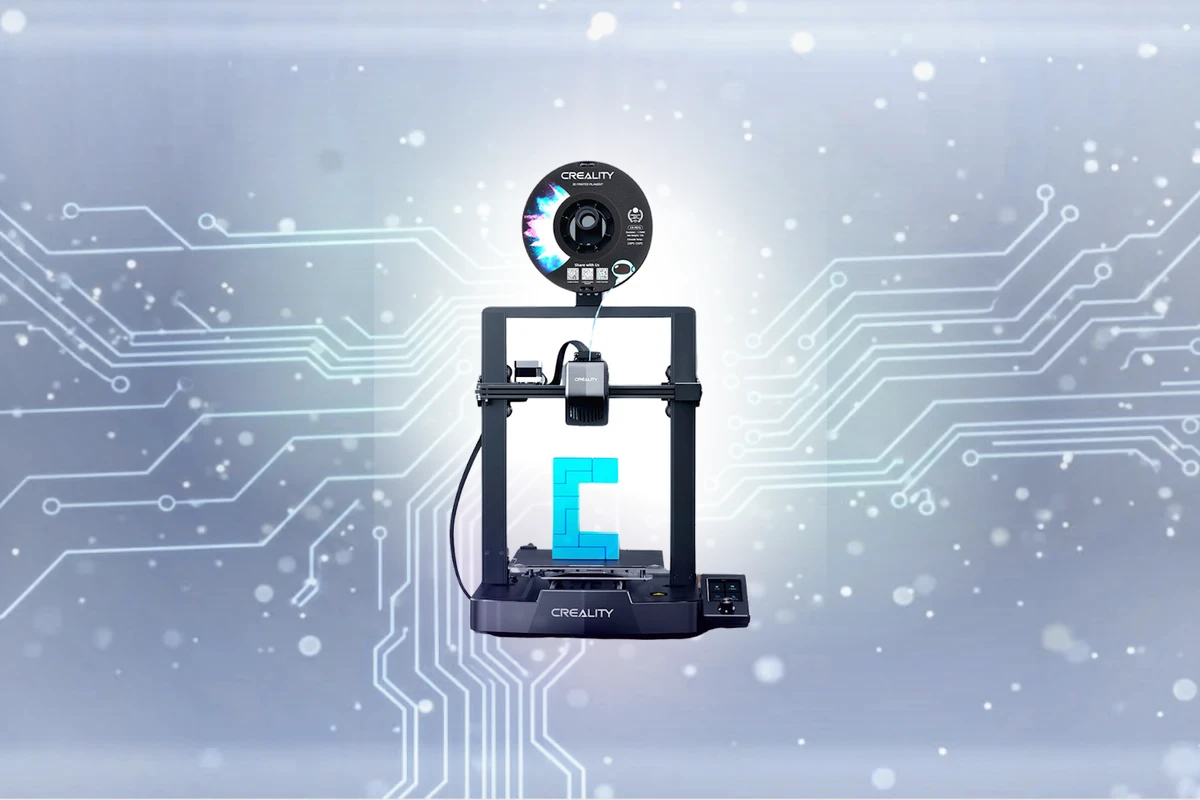
Creality Ender 3 V3 SEの仕様に基づく専門家による推奨情報
推奨SDカード
Full-size SD (UHS-I) (Class 10 / U1 or faster)
Unlike most modern printers, the budget-favorite Ender 3 V3 SE takes a full-size SD card (it also has a USB-C port) — easier to handle than a fiddly microSD and what the bundled card uses.
※ メーカー公式仕様に基づく推奨情報です。詳細は各メーカーの公式ドキュメントをご参照ください。
推奨スペック
-
{{QUICK_SPECS_LIST}}
ブランド比較
-
{{TOP_BRANDS_LIST}}
公式 Creality Ender 3 V3 SD カード要件
-
タイプ: Full-size SD (UHS-I)
-
最低速度: Class 10 / U1 (10 MB/s 書き込み)
-
最大容量: まで 128GB (FAT32)
なぜこの要件? Unlike most modern printers, the budget-favorite Ender 3 V3 SE takes a full-size SD card (it also has a USB-C port) — easier to handle than a fiddly microSD and what the bundled card uses. Requirements are minimal: a basic Class 10 / U1 card reads G-code with room to spare, and there's no benefit to a fast or high-capacity card. As with the rest of the Ender line, the real-world gotcha is formatting: 'SD card not reading' almost always means the card is exFAT or NTFS instead of FAT32, or the cheap bundled card has worn out. Keep it at 32GB or under, format FAT32, and use a genuine name-brand card.
詳細な仕様
タイプ
Full-size SD (UHS-I)
最低速度クラス
Class 10 / U1
書き込み速度
10 MB/s
推奨容量
16GB, 32GB
最大容量
128GB (FAT32)
トップSDカード推奨情報
このウェブサイトにはアフィリエイトリンクが含まれています。当社のリンクを通じて購入された場合、追加料金なしで小額のコミッションを獲得させていただく場合があります。
| SDカード | 動作確認 | 速度クラス | 書き込み速度 | 長所 | 価格 |
|---|---|---|---|---|---|
SanDisk Ultra SD UHS-I
|
C10 | 最大 40 MB/s |
|
$ 価格確認 | |
|
SanDisk Extreme SD UHS-I
|
V30 | 最大 90 MB/s |
|
$ 価格確認 | |
Lexar Professional 633x SD (Blue Series)
|
V30 | 最大 45 MB/s |
|
$ 価格確認 |
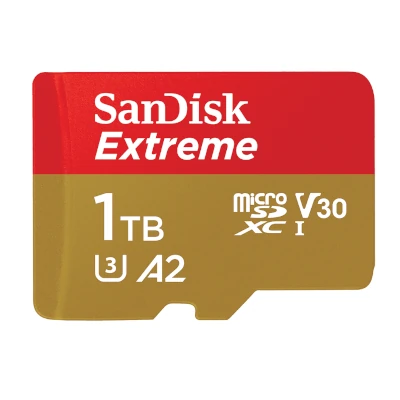
SanDisk Ultra SD UHS-I
The SanDisk Ultra SD UHS-I is a reliable budget option for photographers looking to expand their storage capacity without breaking the bank, with read speeds of up to 120 MB/s and write speeds of up to 40 MB/s. Though not ideal for 4K or 8K video recording, it still offers a stable performance for everyday photo capture. Overall, it's a great choice for casual photographers.
ユーザー向け:
Budget-conscious photographers, hobbyists, and enthusiasts
おすすめ用途:
Smartphones & Tablets, Mirrorless Cameras, DSLR Cameras
Consider the Lexar Professional instead for slightly faster speeds, or the PNY Elite for a similar performance at a slightly higher price point.
SanDisk Extreme SD UHS-I
The SanDisk Extreme SD UHS-I is a reliable choice for those who need fast storage for their digital projects, delivering smooth performance and high-quality video playback. Its V30 speed class ensures stable and continuous recording, making it ideal for capturing crisp and seamless video. With read speeds up to 180 MB/s and write speeds up to 90 MB/s, the SanDisk Extreme sets the standard for mobile storage solutions. Whether you're a content creator, gamer, or videographer, this card is sure to meet your needs.
ユーザー向け:
Content creators, videographers, and mobile device users requiring high-speed storage
おすすめ用途:
Action Cameras, Smartphones & Tablets, Mirrorless Cameras
Consider the SanDisk Extreme over other mid-range options, such as the Lexar Professional 633x or the Kingston Canvas Reactor, which offer similar performance and reliability without the added luxury features.
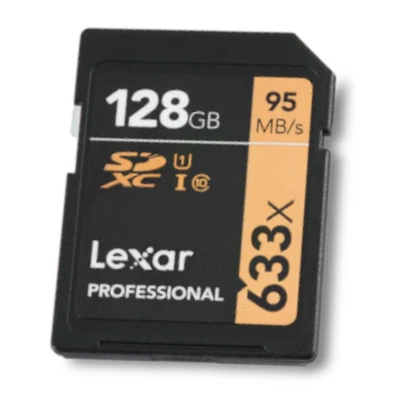
Lexar Professional 633x SD (Blue Series)
The Lexar Professional 633x SD provides excellent value for budget-conscious creators, supporting high-quality video capture and data transfer at up to 95 MB/s. Its V30 speed class ensures smooth write performance, even with demanding applications. Ideal for everyday use, this SD card offers a reliable and affordable solution for storing and transferring files. With its reliable performance, it's a great choice for those who need a budget-friendly option without sacrificing too much quality.
ユーザー向け:
Hobbyists, amateur filmmakers, and professionals on a budget
おすすめ用途:
Mirrrorless Cameras, DSLR Cameras, Smartphones & Tablets
Consider this option over more expensive alternatives when seeking a budget-friendly solution with reliable performance. In comparison to some entry-level options, this card is a significant step up, but may not keep pace with more high-end alternatives. However, for those on a tight budget, it's a great way to avoid overspending on SD card capacity and speed.
よくある質問
Creality Ender 3 V3 SEにはどのSDカードが必要ですか?
Creality Ender 3 V3 SEには、信頼性の高いパフォーマンスのためにFull-size SD (UHS-I)カード(Class 10 / U1速度評価)が必要です。バランスの取れた選択として32GB容量をお勧めします。デバイスは最大128GB (FAT32)をサポートしていますが、ほとんどのユーザーは日常使用に32GBで十分です。SanDisk、Lexar、Kingston、KIOXIA、Samsungなどの信頼できるブランドを選択してください安定したパフォーマンスとデータ損失の防止を確保するために。
Does the Ender 3 V3 SE use a microSD or full-size SD card?
A full-size SD card — not microSD. This is a deliberate choice by Creality (full-size cards are easier to handle and harder to lose). It also has a USB-C port as an alternative way to load files.
Why won't my Ender 3 V3 SE read the SD card?
Nearly always a format problem. The V3 SE needs the card formatted as FAT32; cards formatted exFAT/NTFS, or larger than 32GB (which default to exFAT), won't be read. Reformat to FAT32 at 32GB or under, and replace the worn bundled card if it persists.
What size and speed SD card is best for the V3 SE?
16-32GB, Class 10 / U1. Print files are small and the printer reads them slowly, so a fast U3/V30 card buys you nothing. Staying at 32GB or under also sidesteps FAT32 formatting hassle.
Class 10 / U1はCreality Ender 3 V3 SEに必要ですか?
はい、Class 10 / U1はCreality Ender 3 V3 SEに推奨されます。10 MB/sの最小持続書き込み速度を保証し、安定した記録中にフレーム落ちやエラーなく安定した動作が可能になります。
Creality Ender 3 V3 SEにはどのくらいのストレージ容量が必要ですか?
16GBまたは32GBのカードをお勧めします。通常の使用には16GBで十分ですが、最大128GB (FAT32)まで対応しています。頻繁に撮影し、カード交換を最小限に抑えたい場合は、より大きな容量が便利です。
Creality Ender 3 V3 SEで古いまたは低速のカードを使用できますか?
推奨されません。Class 10 / U1より遅いカードを使用すると、フレーム落ち、ファイル破損、録画失敗の原因となります。信頼性を確保するため、常にClass 10 / U1以上のカードを使用してください。
Creality Ender 3 V3 SEにはUHSカードが必要ですか?
Creality Ender 3 V3 SEで最高のパフォーマンスを得るためにはUHSカードが推奨されます。非UHSカードも動作しますが、転送速度が遅くなる可能性があります。このデバイスにはUHS-IIが最適です。
Creality Ender 3 V3 SEで使用するカードのブランドは重要ですか?
はい。SanDisk、Lexar、Kingston、またはKIOXIA(旧東芝メモリ)やSamsungなどの信頼できるブランドが推奨されます。高品質なブランドは信頼性が高く、保証サポートも充実しています。特に要求の厳しいデバイスでは、無名ブランドは避けるべきです。
Creality Ender 3 V3 SEで間違ったカードを使用するとどうなりますか?
Class 10 / U1より遅いカードを使用すると、録画中のフレーム落ち、ファイルの破損、または録画の完全な失敗を引き起こす可能性があります。データ損失を避けるため、Class 10 / U1以上のカードを必ず使用してください。
SDカードはCreality Ender 3 V3 SEでどのくらい持ちますか?
高品質なSDカードは、通常の使用で3~5年程度持ちます。読み書きエラーやファイルの破損が頻繁に発生する場合、またはカードを落としたり極端な環境にさらしたりした場合は、交換することをお勧めします。