
Best SD Cards For Anbernic RG35XX Plus / H
広告
本ページはプロモーション(アフィリエイト)を含みます。当サイトは、Amazon.co.jpのアソシエイトとして、適格販売により収入を得ています。
動作確認済み
(メーカー仕様準拠)
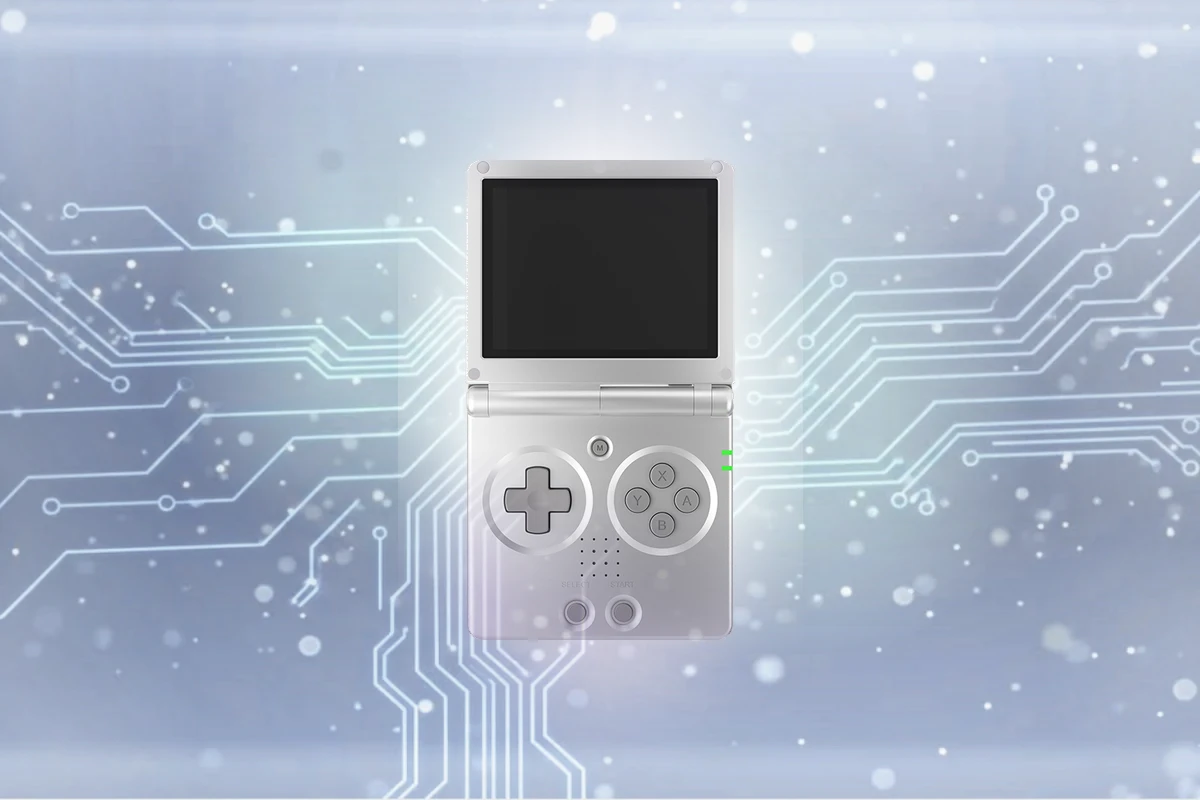
Anbernic RG35XX SPの仕様に基づく専門家による推奨情報
推奨SDカード
Dual microSD slots (TF1 for OS, TF2 for Games) (U1 / V10 (Slot 1); U3 / V30 (Slot 2) or faster)
The RG35XX SP is Anbernic's homage to the 2003 Game Boy Advance SP, running Linux across two microSD slots.
※ メーカー公式仕様に基づく推奨情報です。詳細は各メーカーの公式ドキュメントをご参照ください。
推奨スペック
-
{{QUICK_SPECS_LIST}}
ブランド比較
-
{{TOP_BRANDS_LIST}}
公式 Anbernic RG35XX SP SD カード要件
-
タイプ: Dual microSD slots (TF1 for OS, TF2 for Games)
-
最低速度: U1 / V10 (Slot 1); U3 / V30 (Slot 2) (10 MB/s (Slot 1); 30 MB/s (Slot 2) 書き込み)
-
アプリパフォーマンス: A1 (Slot 2) (OS/アプリに必須)
-
最大容量: まで 512GB per slot
なぜこの要件? The RG35XX SP is Anbernic's homage to the 2003 Game Boy Advance SP, running Linux across two microSD slots. The unbranded cards included in the box are a frequent cause of data corruption in the emulation community, so the fix is a deliberate dual-card setup: a small, reliable card in Slot 1 (TF1) dedicated to flashing the custom OS, where stability matters far more than speed, and a high-capacity U3/V30/A1 card in Slot 2 (TF2) dedicated entirely to the ROM library.
詳細な仕様
タイプ
Dual microSD slots (TF1 for OS, TF2 for Games)
最低速度クラス
U1 / V10 (Slot 1); U3 / V30 (Slot 2)
書き込み速度
10 MB/s (Slot 1); 30 MB/s (Slot 2)
推奨容量
16GB-32GB for OS (Slot 1), 128GB-256GB for Games (Slot 2)
最大容量
512GB per slot
トップSDカード推奨情報
このウェブサイトにはアフィリエイトリンクが含まれています。当社のリンクを通じて購入された場合、追加料金なしで小額のコミッションを獲得させていただく場合があります。
| SDカード | 動作確認 | 速度クラス | 書き込み速度 | 長所 | 価格 |
|---|---|---|---|---|---|
SanDisk Ultra microSD
|
C10 | 最大 20 MB/s |
|
$ 価格確認 | |
Kingston Canvas Select Plus
|
V10 | 最大 85 MB/s |
|
$ 価格確認 | |
Samsung EVO Select / Plus (Blue)
|
V30 | 最大 60 MB/s |
|
$ 価格確認 | |
|
SanDisk Extreme microSD
|
V30 | 最大 130 MB/s |
|
$ 価格確認 |
SanDisk Ultra microSD
The SanDisk Ultra microSD is a high-volume budget pick offering read speeds up to 195 MB/s for quick transfers and app loading. Its lighter write performance and V10 rating make it better suited to photos and everyday storage than sustained 4K video.
ユーザー向け:
Budget-conscious smartphone and tablet users who want fast file transfers without 4K video demands
おすすめ用途:
Smartphones & Tablets, Dash Cams, Drones
Upgrade to the SanDisk Extreme microSD if you need V30-rated write speeds for 4K video; stick with the Ultra for photos and casual use where price is the priority.
Kingston Canvas Select Plus
The Kingston Canvas Select Plus offers an excellent budget option for everyday users who require reliable storage and a durable microSD card. With a read speed of up to 100 MB/s and a write speed of up to 85 MB/s, it provides a seamless user experience. The ultra-affordable lifetime warranty adds extra peace of mind for users who plan to use the card extensively.
ユーザー向け:
Budget-conscious content creators and mobile device users
おすすめ用途:
Smartphones & Tablets, Action Cameras, Dash Cams
Consider the Canvas Select Plus over other budget options if you prioritize high performance and durability. The Canvas Select Plus delivers impressive speeds while offering an incredible value for the price, making it a great choice for those who want a reliable and affordable microSD card.
よくある質問
Anbernic RG35XX SPにはどのSDカードが必要ですか?
Anbernic RG35XX SPには、信頼性の高いパフォーマンスのためにDual microSD slots (TF1 for OS, TF2 for Games)カード(U1 / V10 (Slot 1); U3 / V30 (Slot 2)速度評価)が必要です。バランスの取れた選択として128GB-256GB for Games (Slot 2)容量をお勧めします。デバイスは最大512GB per slotをサポートしていますが、ほとんどのユーザーは日常使用に128GB-256GB for Games (Slot 2)で十分です。SanDisk、Lexar、Kingston、KIOXIA、Samsungなどの信頼できるブランドを選択してください安定したパフォーマンスとデータ損失の防止を確保するために。
Why does the RG35XX SP have two SD card slots?
Slot 1 (TF1) holds the custom Linux operating system, and Slot 2 (TF2) is dedicated to your ROM library. Separating them means a corrupted ROM card never takes down your OS, and vice versa.
What's the best SD card setup for the RG35XX SP?
Use a small 16GB-32GB card for Slot 1 (OS) and a larger 128GB-256GB card for Slot 2 (ROMs). The included stock cards are unbranded and prone to corruption, so replacing both with trusted brands like SanDisk or Samsung is strongly recommended.
What's the maximum SD card size the RG35XX SP supports?
Up to 512GB per slot has been tested reliably. Since each slot serves a different purpose, most users don't need anywhere close to the max in Slot 1.
V10はAnbernic RG35XX SPに必要ですか?
はい、V10はAnbernic RG35XX SPに推奨されます。10 MB/s (Slot 1); 30 MB/s (Slot 2)の最小持続書き込み速度を保証し、プロフェッショナルな安定した録画中にフレーム落ちやエラーなくプロフェッショナルな記録が可能になります。
Anbernic RG35XX SPにはどのくらいのストレージ容量が必要ですか?
16GB-32GB for OS (Slot 1)または128GB-256GB for Games (Slot 2)のカードをお勧めします。通常の使用には16GB-32GB for OS (Slot 1)で十分ですが、最大512GB per slotまで対応しています。頻繁に撮影し、カード交換を最小限に抑えたい場合は、より大きな容量が便利です。
Anbernic RG35XX SPで古いまたは低速のカードを使用できますか?
推奨されません。U1 / V10 (Slot 1); U3 / V30 (Slot 2)より遅いカードを使用すると、フレーム落ち、ファイル破損、録画失敗の原因となります。信頼性を確保するため、常にU1 / V10 (Slot 1); U3 / V30 (Slot 2)以上のカードを使用してください。
Anbernic RG35XX SPではカードのタイプは重要ですか?
Anbernic RG35XX SPはDual microSD slots (TF1 for OS、TF2 for Games)に対応しています。どのタイプも同じように動作するため、価格と入手しやすさで選んで問題ありません。速度や容量の制限も同じです。
Anbernic RG35XX SPで複数のカードを使用すべきですか?
プロフェッショナルな用途や長時間の撮影セッションでは、デュアルカード(2枚のカード)を使用することで冗長性が確保され、バックアップの役割も果たします。複数のカードを使用することで、万が一1枚のカードが故障しても映像を失うリスクを減らせます。これは特に貴重な記録を行う際に重要です。
Anbernic RG35XX SPで使用するカードのブランドは重要ですか?
はい。SanDisk、Lexar、Kingston、またはKIOXIA(旧東芝メモリ)やSamsungなどの信頼できるブランドが推奨されます。高品質なブランドは信頼性が高く、保証サポートも充実しています。特に要求の厳しいデバイスでは、無名ブランドは避けるべきです。
Anbernic RG35XX SPで間違ったカードを使用するとどうなりますか?
U1 / V10 (Slot 1); U3 / V30 (Slot 2)より遅いカードを使用すると、録画中のフレーム落ち、ファイルの破損、または録画の完全な失敗を引き起こす可能性があります。データ損失を避けるため、U1 / V10 (Slot 1); U3 / V30 (Slot 2)以上のカードを必ず使用してください。
SDカードはAnbernic RG35XX SPでどのくらい持ちますか?
高品質なSDカードは、通常の使用で3~5年程度持ちます。読み書きエラーやファイルの破損が頻繁に発生する場合、またはカードを落としたり極端な環境にさらしたりした場合は、交換することをお勧めします。