
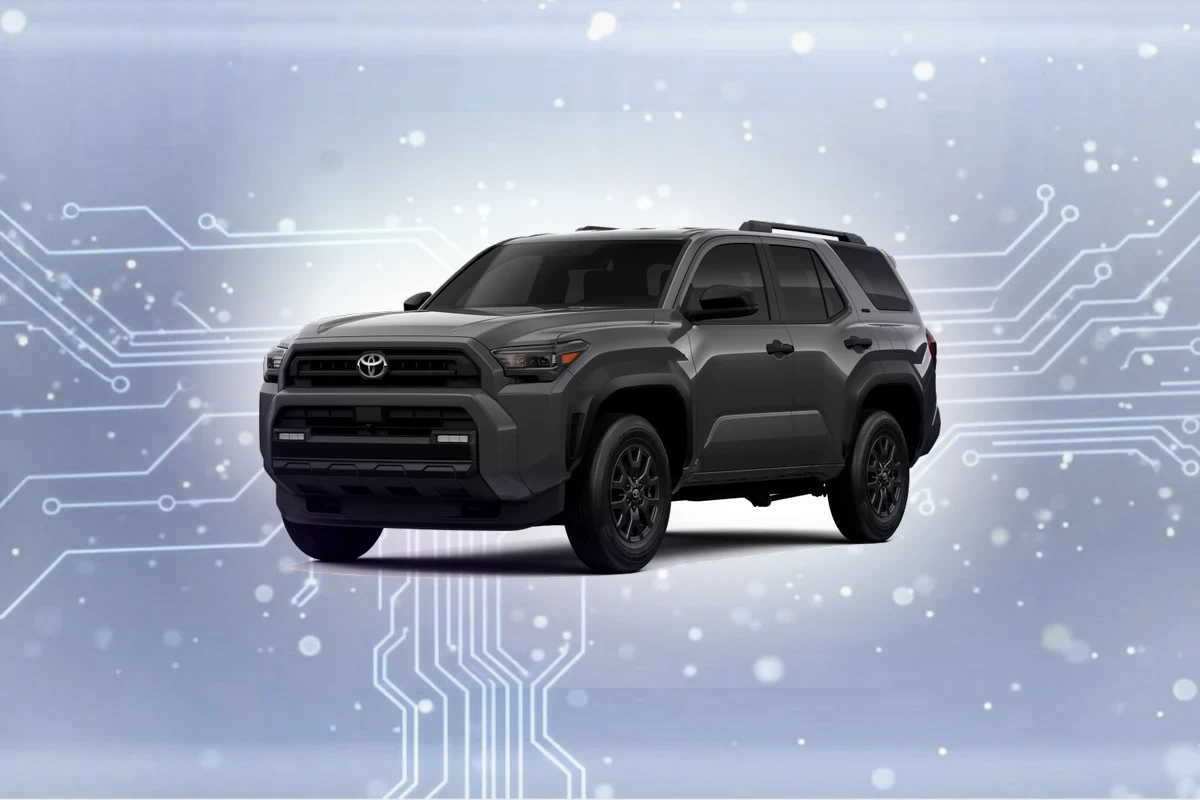
Compatible navigation SD cards for Toyota 4Runner (2014-2024)
Top Pick
Navtimi 2025 Toyota Navigation SD Card
Covers 10 Toyota models. Plug and play. 2025 maps included. Toyota 4Runner owners get 2025 maps covering USA, Canada, Mexico.
Toyota 4Runner Navigation SD Card Requirements
-
Compatible Years: 2014-2024
-
Part Number: Common part number: 86271-0E077. Verify on your existing card label.
-
Trim Compatibility: Compatible with SR5 Premium, Limited, TRD Off-Road, TRD Pro, and Nightshade trims only. Base SR5 trim lacks factory navigation hardware.
Navigation SD Cards for Toyota 4Runner
This website contains affiliate links. We may earn a small commission when you purchase through our links at no extra cost to you.
| SD Card | Map Year | Coverage | Pros | Price |
|---|---|---|---|---|
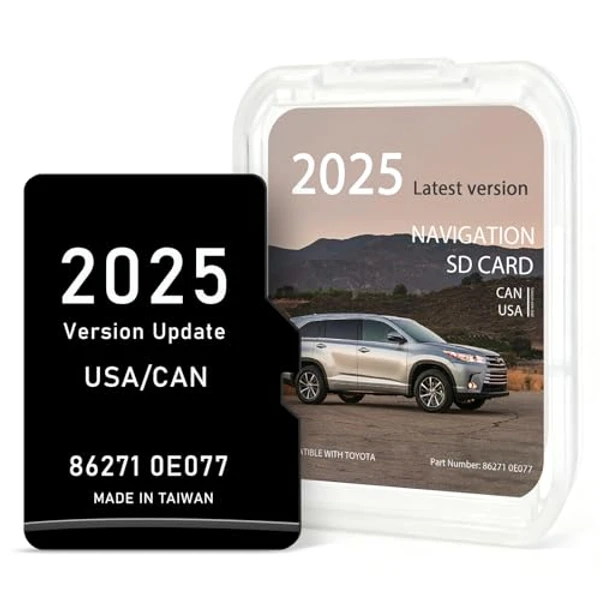
Navtimi 2025 Toyota Navigation SD Card
|
2025 | USA, Canada, Mexico |
|
$$ Check Price |
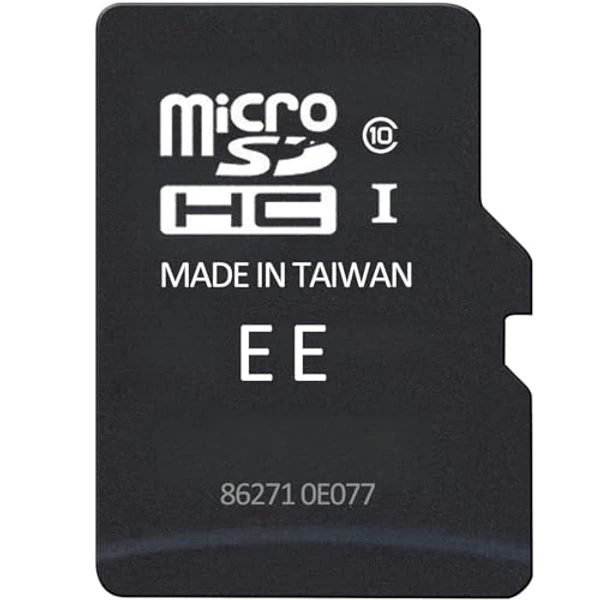
2025 Toyota Navigation SD Card (Part 86271-0E077)
|
2025 | USA, Canada, Mexico |
|
$
Check Price
Alt Listing |
Installation Guide for Your Toyota 4Runner
1. Turn off engine and remove key. 2. Open the small panel below the 8-inch Entune touchscreen. 3. Press the existing SD card to eject. 4. Insert new card firmly with contacts facing down. 5. Close panel and start engine - allow 3-4 minutes for off-road map data to load.
Important: Toyota 4Runner Compatibility
Compatible with SR5 Premium, Limited, TRD Off-Road, TRD Pro, and Nightshade trims only. Base SR5 trim lacks factory navigation hardware.
Toyota 4Runner Features
Common Issues
- 4Runner owners often confuse Entune App Suite features (like Scout GPS Link) with true built-in navigation
- Off-road mapping data requires a slightly longer initial loading time (3-4 minutes) compared to purely street-based systems
- Some 2014-2015 models may need an Entune system software update for full compatibility with newer map cards
Toyota 4Runner Trim Compatibility
Compatible Trims
- SR5 Premium
- Limited
- TRD Off-Road
- TRD Pro
- Nightshade Edition
Not Compatible
- SR5 (base trim)