
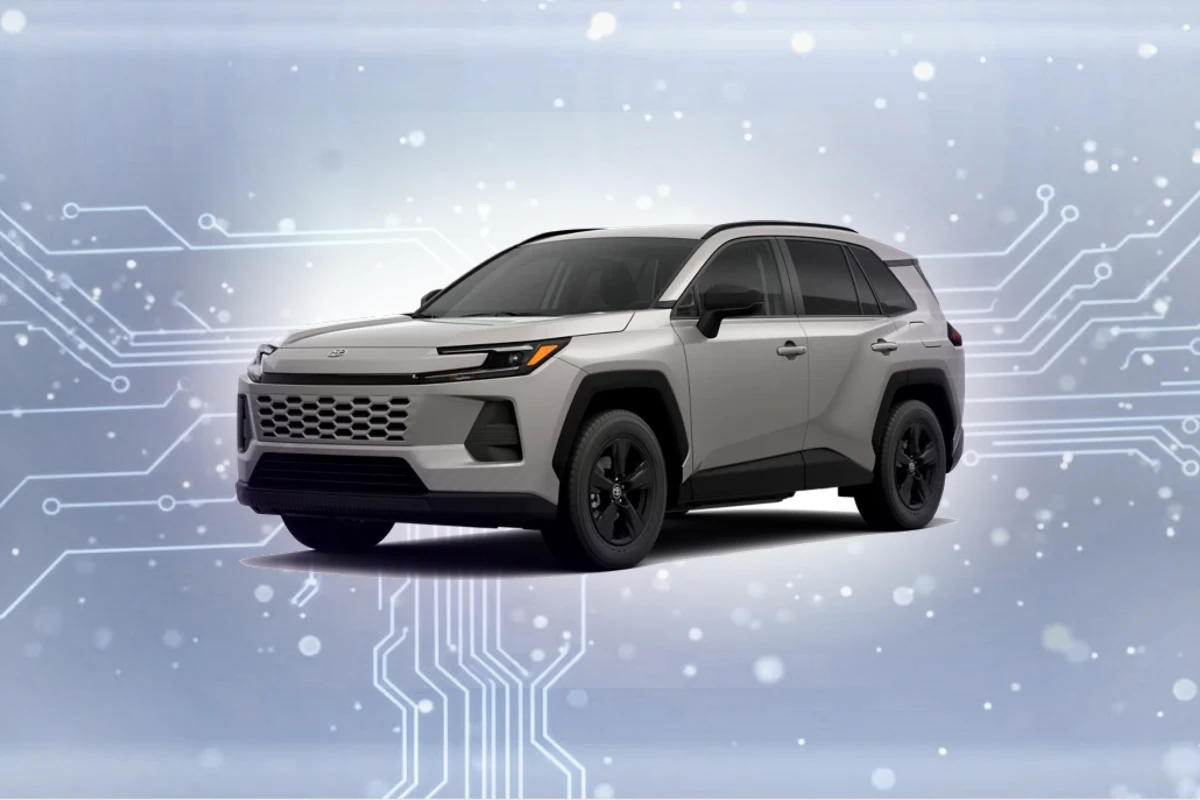
Compatible navigation SD cards for Toyota RAV4 (2019-2023)
Top Pick
Navtimi 2025 Toyota Navigation SD Card
Covers 10 Toyota models. Plug and play. 2025 maps included. Toyota RAV4 owners get 2025 maps covering USA, Canada, Mexico.
Toyota RAV4 Navigation SD Card Requirements
-
Compatible Years: 2019-2023
-
Part Number: Navtimi confirmed compatible with RAV4 factory navigation. Often uses part 86271-0E077 or similar.
-
Trim Compatibility: Compatible with XLE Premium, Adventure, TRD Off-Road, and Limited trims with factory navigation. Base LE and standard XLE trims typically do not have the necessary hardware.
Navigation SD Cards for Toyota RAV4
This website contains affiliate links. We may earn a small commission when you purchase through our links at no extra cost to you.
| SD Card | Map Year | Coverage | Pros | Price |
|---|---|---|---|---|
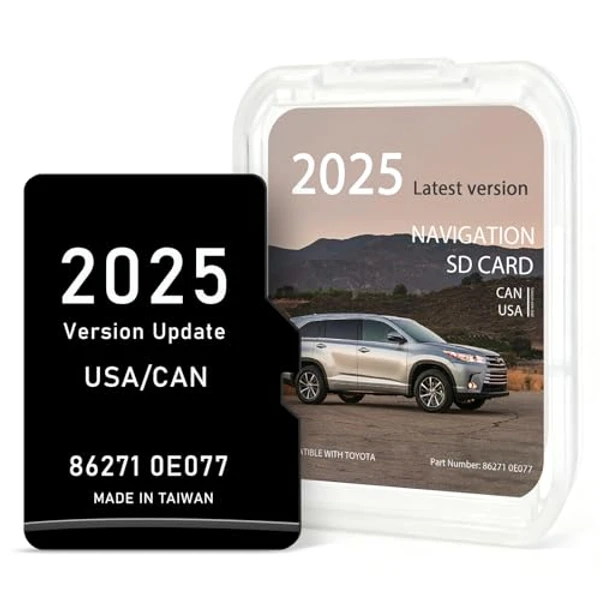
Navtimi 2025 Toyota Navigation SD Card
|
2025 | USA, Canada, Mexico |
|
$$ Check Price |
Installation Guide for Your Toyota RAV4
1. Turn off engine and remove key. 2. Locate SD slot on the dashboard unit, often integrated near the bottom bezel of the main Entune infotainment display. 3. Press the existing card to eject. 4. Insert the new card firmly until it clicks. 5. Start engine — allow 2-3 minutes for the Entune 3.0 system to load the latest map data.
Important: Toyota RAV4 Compatibility
Compatible with XLE Premium, Adventure, TRD Off-Road, and Limited trims with factory navigation. Base LE and standard XLE trims typically do not have the necessary hardware.
Toyota RAV4 Features
Common Issues
- Many RAV4 owners mistake the base XLE's larger screen for navigation capability, unaware of the lack of an SD slot
- Difficulty locating the often-discreet SD card slot near the infotainment unit's bezel
- Ensuring the correct map region (e.g., North America) for the installed card
Toyota RAV4 Trim Compatibility
Compatible Trims
- XLE Premium
- Adventure
- TRD Off-Road
- Limited
Not Compatible
- LE
- XLE (base trim with no factory nav)